
|
Voice-to-text transcription for macOS with 100% privacy.
Local AI processing. No cloud. No subscriptions.
The Difference
Your voice is 3.7x faster
than your keyboard
Stop letting your fingers bottleneck your thoughts.
Others
Typing at 40 WPM
FloWords
Speaking at 150+ WPM
Others
Cloud latency
FloWords
Instant local AI
Others
$20+ every month
FloWords
One payment
Others
Data on servers
FloWords
100% on your Mac
Features
Everything you need. Nothing you don't.
Built for privacy, speed, and productivity.
Designed for the way you work.
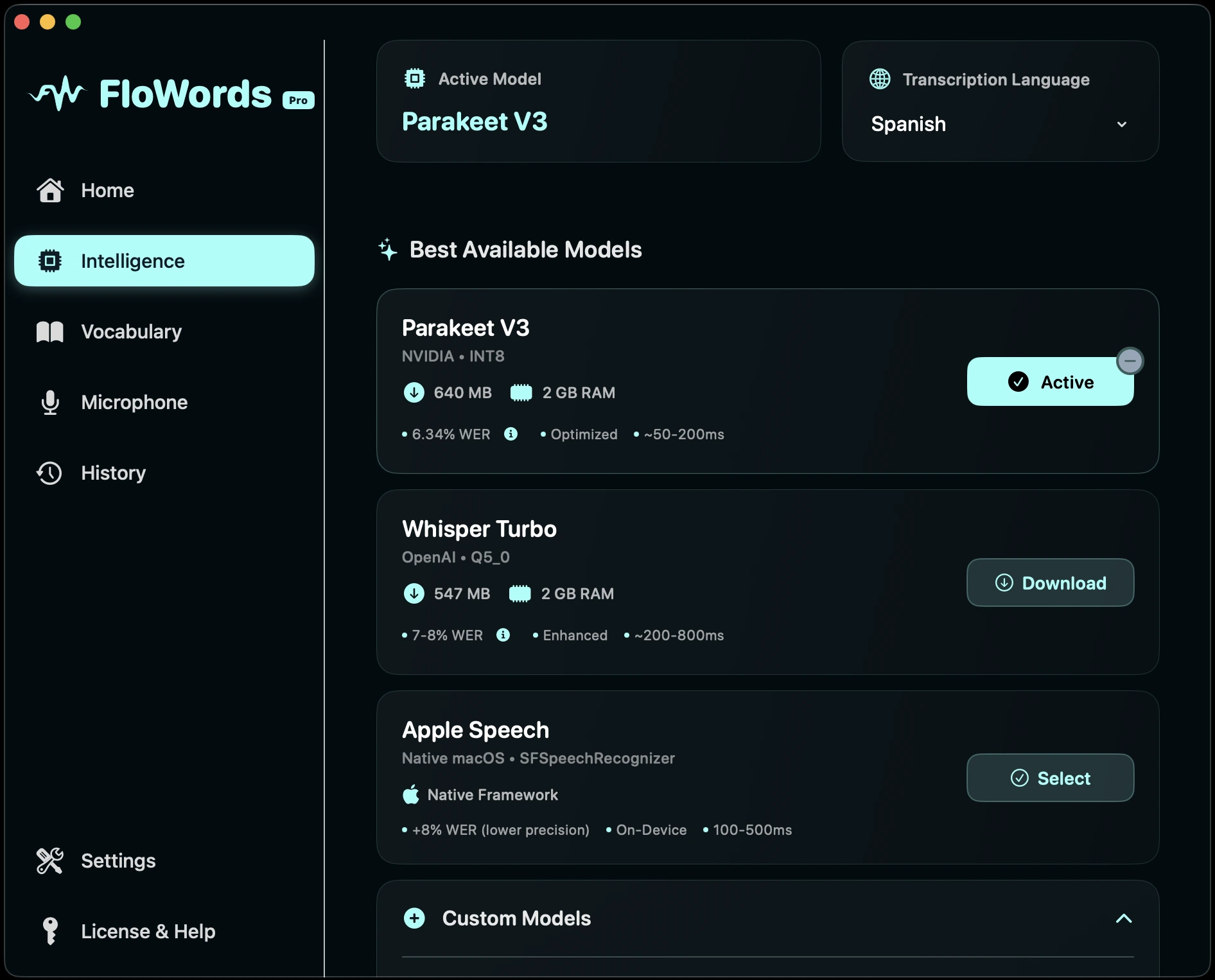
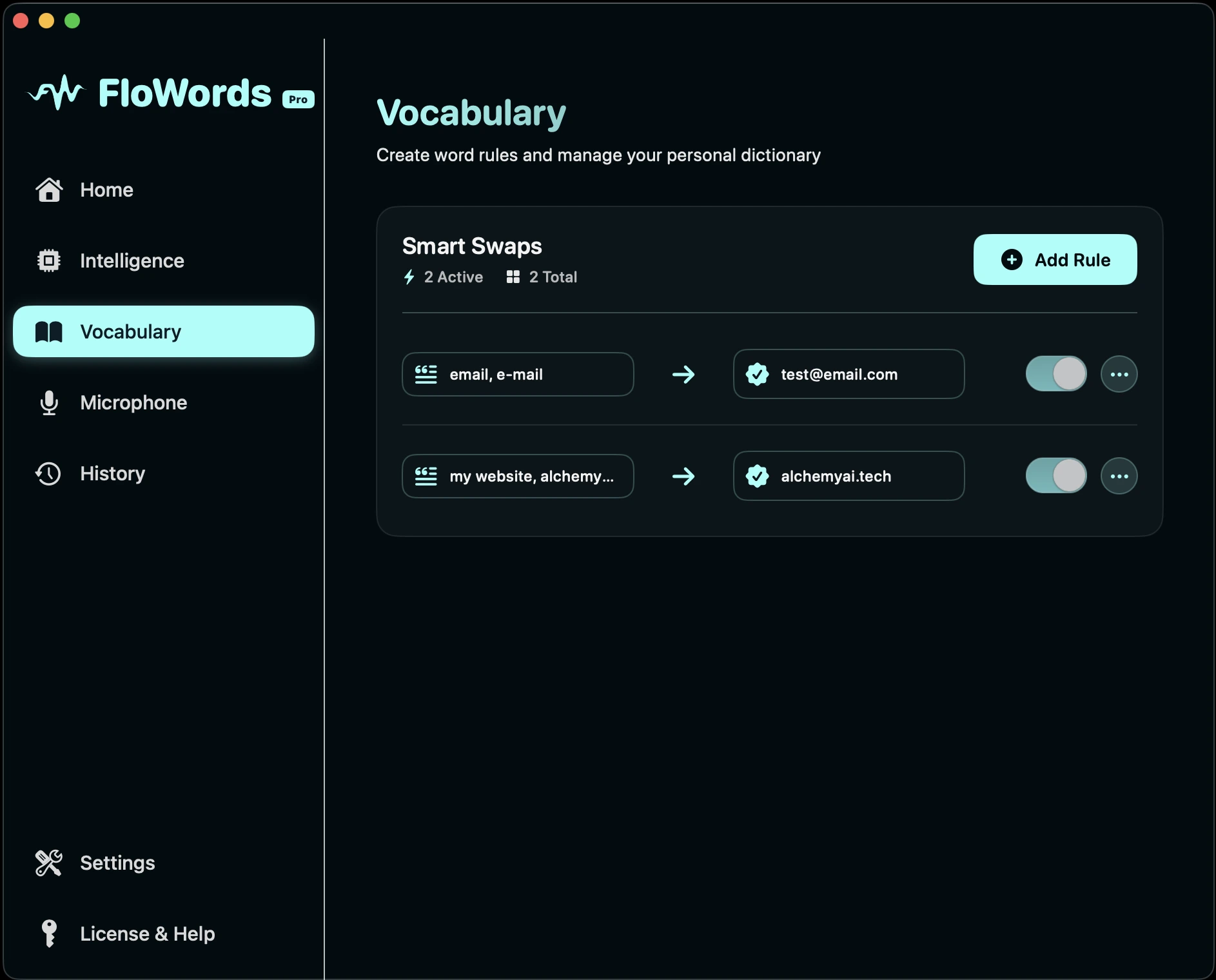
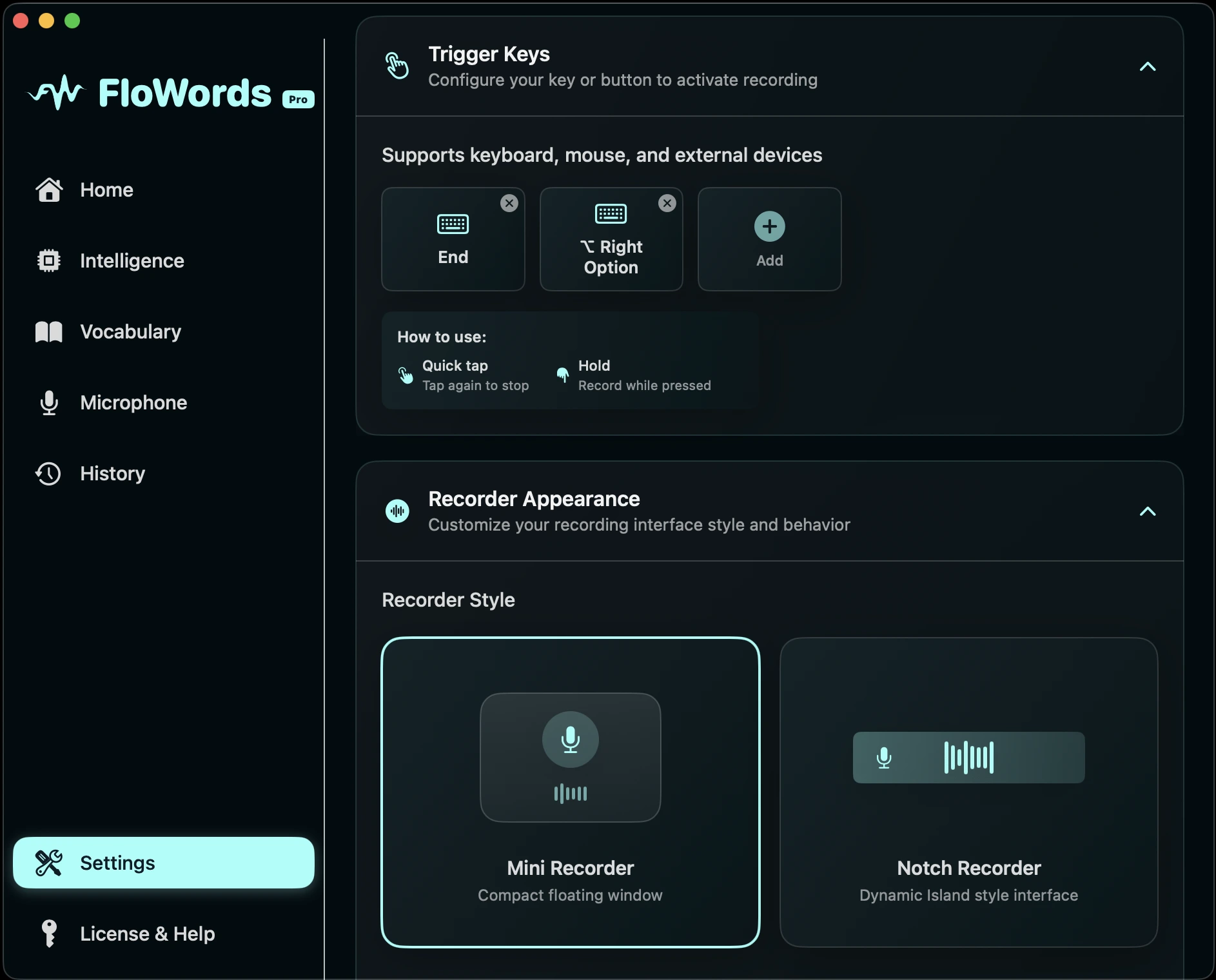
Every feature crafted with intention. From real-time metrics to AI-powered intelligence, custom vocabulary to complete history—everything you need in one beautiful, native macOS experience.
- Track your productivity with detailed metrics
- Enhance transcriptions with AI intelligence
- Build your personal vocabulary library
- Access your complete transcription history
- Customize every detail to fit your workflow
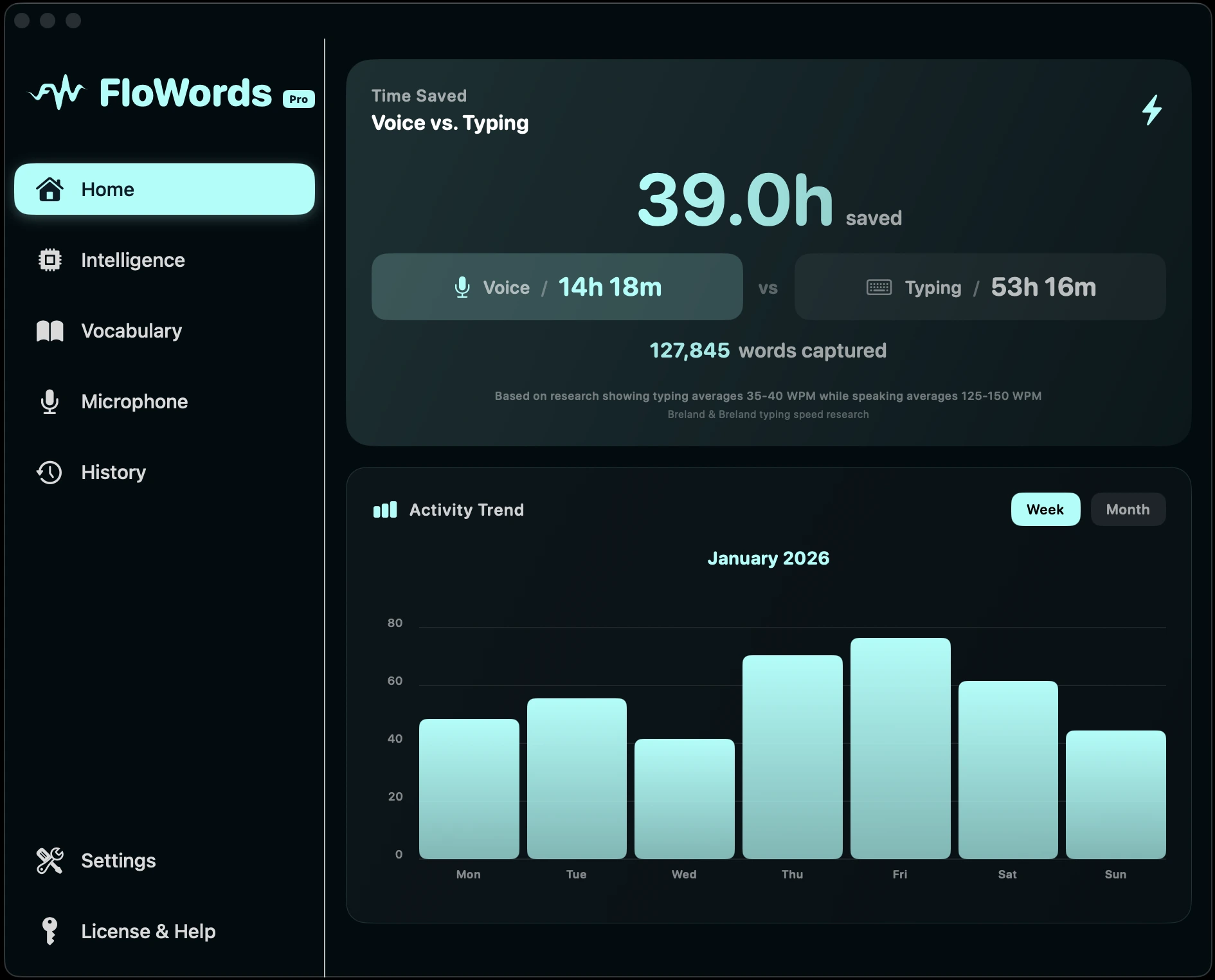

From voice to text in seconds.
See how FloWords transforms your workflow. Record, transcribe, and paste—all without lifting your fingers from the keyboard.
- One hotkey to start recording
- Powered by state-of-the-art AI models
- Auto-paste to any application
- Edit and refine with AI
Privacy First
Your voice stays on your Mac. Period.
Unlike cloud alternatives, FloWords processes everything locally. Your recordings and transcriptions never leave your device.
Works Offline
No internet required
No Cloud
Zero data uploads
No Tracking
No usage analytics
How it works
Start transcribing in under a minute
No complex setup. No learning curve.
Download
Install FloWords on your Mac. No account required.
Press & Speak
Hit your hotkey and talk naturally. Works anywhere.
Done
Text appears instantly. Paste automatically or manually.
That's it. No cloud accounts. No subscriptions.
One price. Yours forever.
No subscriptions. No hidden fees. No compromises.
One-time payment
- 21-day free trial (to build a habit)
- All current & future features
- Unlimited device activations
- Email support included
- Free updates forever
Start with a free 21-day trial. No credit card required.
Testimonials
Loved by professionals
See what our users have to say
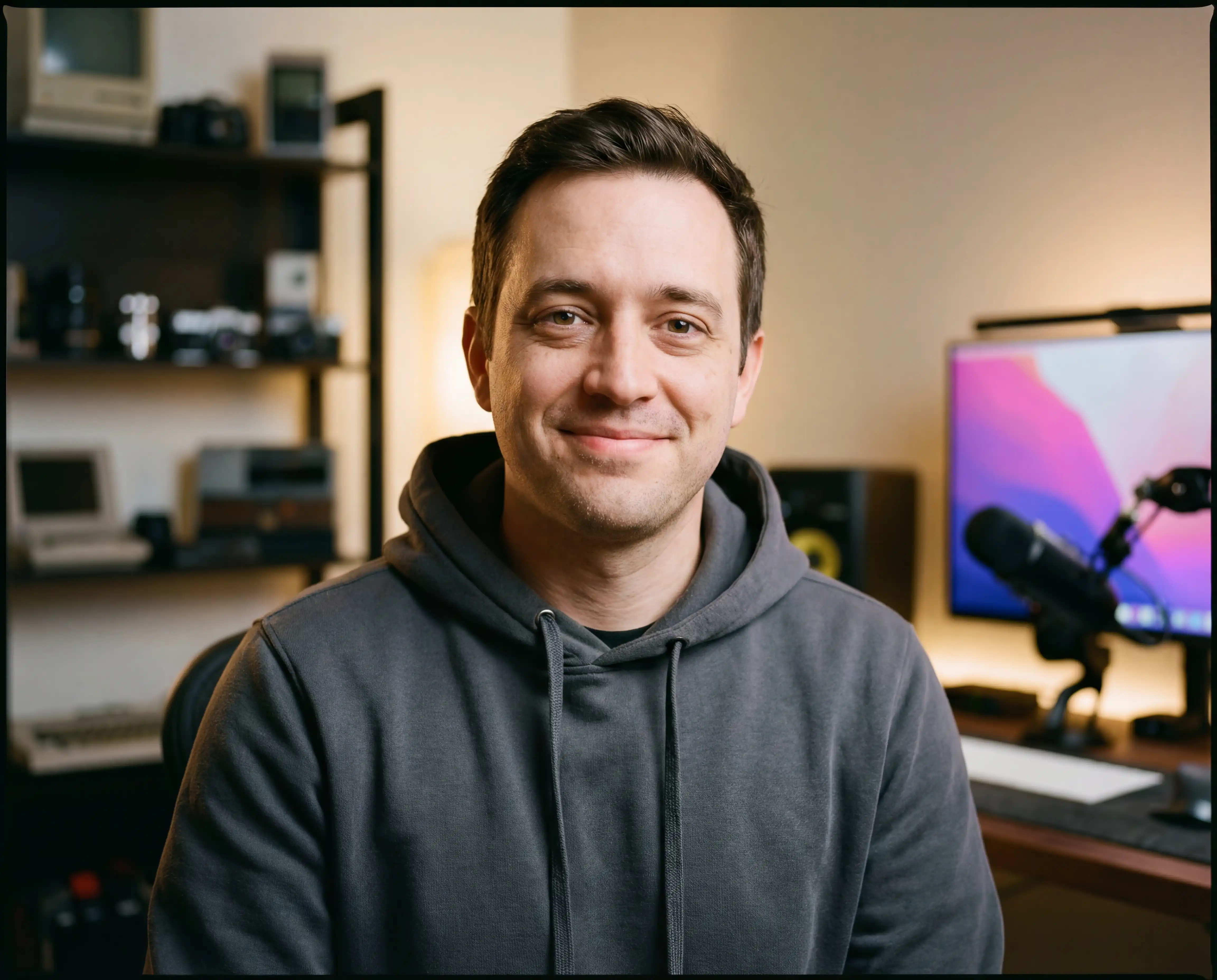
"Been looking for something like this for my mac for years. I use it to document while coding and honestly its a game changer. No more stopping to type, just talk and done."
Roberto Méndez
iOS Developer · Freelance
Frequently asked questions
Everything you need to know about FloWords
Does FloWords work without internet?
Yes! FloWords processes everything locally on your Mac using advanced AI models. Your voice data never leaves your device. The only internet requirement is for optional license validation (which is cached) and AI enhancement features if you choose to use them.
What AI models does FloWords use?
FloWords uses Whisper.cpp (including Whisper Turbo) and Parakeet V3 models running locally on your Mac. These are state-of-the-art speech recognition models optimized for Apple Silicon and Intel processors.
How many devices can I use with one license?
Your $10 license includes unlimited device activations. Use FloWords on your MacBook, iMac, Mac Mini, Mac Studio - all your Macs with a single license.
Is there a subscription fee?
No subscriptions, ever. FloWords is a one-time $10 purchase that includes all current features and future updates. We believe in fair pricing - pay once, own forever.
What if FloWords isn't right for me?
We offer a 30-day money-back guarantee. If FloWords doesn't meet your needs, contact us for a full refund - no questions asked.
What languages does FloWords support?
FloWords supports 100+ languages with automatic language detection. Whether you speak English, Spanish, French, German, Japanese, or any other major language, FloWords can transcribe it accurately.
What are the system requirements?
FloWords requires macOS 14.0 (Sonoma) or later. It runs on both Apple Silicon (M1/M2/M3/M4) and Intel Macs. Apple Silicon provides the best performance.
How is my privacy protected?
Your privacy is our priority. All speech processing happens locally - your audio never touches our servers or any cloud service. We don't collect, store, or have access to your voice recordings or transcriptions.
Still have questions?
Contact SupportReady to type at the speed of thought?
Join thousands who've made the switch.